Platform and architecture
One software stack sits under the five Videolytical products. It runs at the edge, on-premise or in the cloud, and works with existing IP cameras and the systems a site already runs.
- Deployment
- Edge, on-premise or cloud, mixed in one estate
- Camera support
- Existing IP cameras and recorders over ONVIF and RTSP
- Alert routes
- Video management software, SMS, email or webhook
- Access control
- Directory sign-on and role-based access per camera
How the products fit together
Each of the five products works alone. Used together, they form one system that takes video from the camera to the operator's screen.
-
VMS Enterprise
Video management software (VMS) for live view, recording and playback. Analytics alerts appear in the same console.
-
AI Video Analytics
Deep-learning models, each with a rules engine, that detect events in live and recorded video and raise alerts.
-
Face Recognition
Detects faces and matches them in real time against staff, VIP or watchlist databases.
-
ANPR and Vehicle Intelligence
Automatic number-plate recognition (ANPR) by day and night, with vehicle analytics and traffic violation detection.
-
Command and Control
Video walls, a map of cameras and alerts, and escalation workflows for control rooms.
Five layers from camera to operator
Video passes through five layers on its way from the camera to the operator. The analytics products work in the two processing layers, and operators see the results in the interface layer.
Edge, on-premise or cloud
The same stack runs in three places. The option you choose decides where the video is processed.
- Edge
- Models run on the camera or on an edge box. Detection and alerting carry on when the site has no connectivity.
- On-premise
- Models run on GPU servers in your own data centre. Video stays on your network, which suits air-gapped sites.
- Cloud
- Video cloud software for estates spread across many sites, with central dashboards, updates and storage.
- Mixed estates
- The three options can be combined in one estate, because sites differ. One may have a weak link. Another may have to keep video on its own network.
Choosing between the options
The right option depends on each site's connectivity, its rules on where video may go and the number of cameras. Hardware is sized after the site survey.
| Option | Suits | Consider |
|---|---|---|
| Edge | Remote sites and sites with a weak or unreliable link, where detection has to carry on without it. | Each device has to be installed, powered and kept up to date. Plan who will maintain them. |
| On-premise | Sites where video must stay on the local network, including air-gapped sites. Many cameras in one place. | Servers need space, power and cooling on site, and someone responsible for the hardware. |
| Cloud | Organisations with many sites that want to manage them centrally. | Each site needs a dependable connection. Check that your rules allow video to leave the site. |
What the platform produces
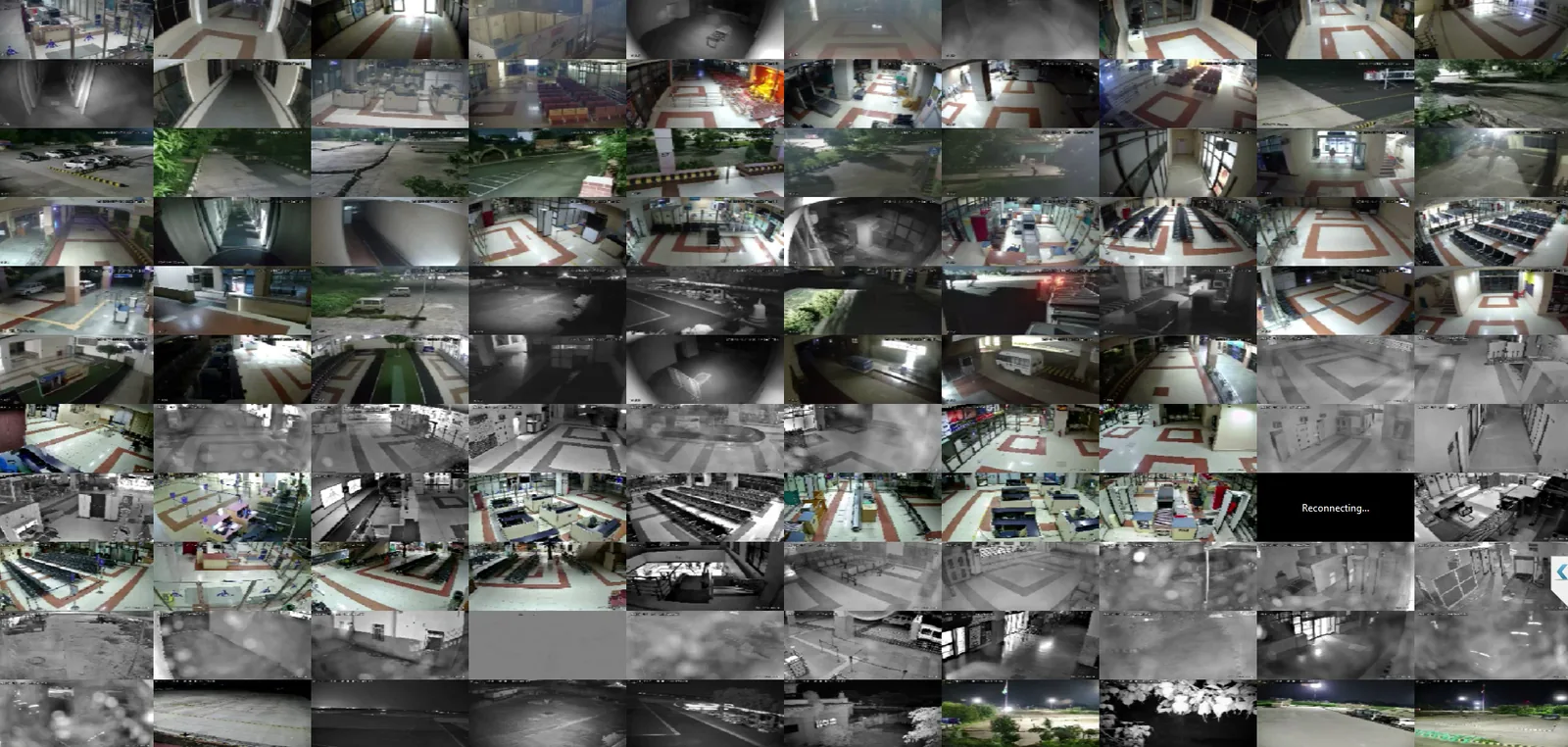
A camera wall shows more video than a person can watch. The platform turns that video into three things a team can use.
Metadata
Frames become structured events: what was detected, on which camera and at what time. Unlike raw video, events can be searched and filtered.
Real-time alerts
When a rule is met, an alert goes out as it happens: to the VMS console, to the command centre, by SMS or to a webhook.
Forensics
After an incident, video synopsis condenses hours of footage. Search narrows it by class, colour, direction or time, and evidence can then be exported.
Integration with cameras and other systems
Video comes in from the cameras you already have. Events go out to the systems your teams already use.
- Cameras and recorders
- Video is taken from existing IP cameras and network video recorders (NVRs) over ONVIF and RTSP. The cameras already installed stay in place.
- REST API and webhooks
- Events, metadata and alerts are pushed to dashboards and to other security platforms. These include SIEM (security information and event management) and PSIM (physical security information management) systems.
- Existing VMS or command centre
- Videolytical analytics can appear inside the video management software or command-centre console you already run. Operators keep the screen they know.
- SMS and email gateways
- Alerts are routed to phones and inboxes. Escalation rules and schedules set who is told and when.
- Sign-on and permissions
- Users sign in through a company directory, either Active Directory (AD) or LDAP. Access is role-based, with permissions set down to the single camera.
- Air-gapped operation
- The software operates in full on an isolated network, with signed updates installed offline.
Security and data control
Camera video is sensitive. The platform protects it in transit, limits who can see it and records what operators do.
Controls in the platform
- Video streams and APIs are encrypted with TLS
- Alerts and operator actions are written to an audit trail
- Access is role-based, set per camera and per function
- Model and software updates are signed
- On-premise deployments keep video inside your network
Where your video stays
In an edge or on-premise deployment, analysis happens where the cameras are. Footage stays on your premises and only structured events cross the network. If your organisation has rules on where video may be held, settle them before you choose a deployment option.
Networks with no outside connection
Some sites keep their security network separate from the internet. The software operates in full on such a network. Model and software updates arrive as signed packages and are installed offline. Signing is a way to confirm that a package comes from its publisher and has not been changed on the way.
Rolling out on site
A deployment follows five steps, from the first site survey to handover and training.
-
Site survey and camera audit
The existing cameras are reviewed: where they are, what they see and how good the image is.
-
Network and GPU sizing
Bandwidth and processing hardware are sized for the number of streams and the analytics chosen.
-
Pilot on a small set of cameras
The analytics run on a few cameras first, so results can be checked on your own scenes before scaling out.
-
Scale-out with calibration
The remaining cameras are added. Zones, schedules and confidence thresholds are calibrated scene by scene.
-
Handover and training
The system is handed over to your team with training. Optimisation continues after handover.
Common questions
Do we need a cloud connection for the analytics to work?
No. Models run offline on edge devices or on-premise GPU servers. Cloud is an option for managing estates of many sites. Detection and alerting do not depend on it.
Which analytics modules are available?
Intrusion detection, crowd monitoring, object detection, vehicle analytics, face recognition, fire and smoke detection, PPE (personal protective equipment) compliance, heatmap and dwell time, helmet and traffic violations, people counting, loitering detection and video synopsis. Models can also be trained for objects specific to a site. See all analytics modules.
Who deploys and supports the system?
Videolytical delivers with OEMs (camera and hardware makers), security solution providers and system integrators. The software is designed, engineered and supported from Noida, India.
Discuss the architecture for your site
Tell us how many cameras and sites you have and how they are connected. Ask for an architecture and sizing discussion, or arrange a live demo on your own footage.