Planning a video analytics pilot: scope, measures and acceptance
How to scope a pilot on your own cameras, what to count, and how to agree the acceptance criteria before it starts.
A pilot is a small, time-limited deployment on a few of your own cameras. Its job is to produce evidence for a decision: go ahead, change the design, or stop. The steps below hold whichever supplier's analytics you test.
Start with the question
Write down, in one sentence, the decision the pilot has to support. For example: decide whether the system detects a person crossing the east fence at night, with few enough false alarms for one operator to handle.
A clear question tells you which cameras to use, which events to count and how long to run. A vague aim, such as "see how the analytics perform", gives nothing to pass or fail.
Keep the scope narrow. Test only the analytics the decision depends on, on a small set of cameras.
- Cameras
- Typical, difficult and critical views
- Measures
- Events detected, events missed, false alarms, time to alert
- Conditions
- Day and night, working and rest days, poor weather
- Agree first
- Event definitions and acceptance criteria
Choose cameras that represent the site
Pick cameras that stand for the whole estate, not the ones with the best picture. Include three kinds.
- Typical views
- The heights, distances and angles that most of the site uses.
- Difficult views
- Glare, backlight, low light, long range, busy backgrounds and older cameras.
- Critical views
- The places where the event matters most, such as a gate or a fence line.
If the difficult cameras are left out, the result may not hold when the system is extended to them. Record each camera's position, lens and resolution, so the rollout can be compared with the pilot.
Define the events and how to check them
State exactly what counts as an event. Then decide how you will know what really happened.
"Intrusion" is not a definition. "A person enters the marked zone between dusk and dawn" is one. Write a definition for each analytic, with the zone, the schedule and any exclusions, such as guards on patrol.
The record of what really happened is often called the ground truth. Without it, nobody can say what the system missed. Common sources are:
- Staged tests, where a person walks the fence or leaves a bag at an agreed time.
- Manual review of recorded video for sample periods.
- Existing records, such as guard logs or gate registers.
Staged tests are quick and repeatable. Real events are more convincing. Use both where you can.
Decide what to measure
Four measures are enough for most pilots. Agree how each is counted before the first day.
| Events detected | Real events that raised an alert. Count each event once, even if it raised several alerts. |
|---|---|
| Events missed | Real events in your ground truth that raised no alert. Alerts alone cannot show these. |
| False alarms | Alerts with no real event behind them. Note the cause of each, such as a shadow, an animal or headlights. |
| Time to alert | From the start of the event to the alert reaching the operator. Measure it where the operator receives the alert, not at the server. |
Count per camera and per analytic, and keep day and night apart. Report the counts themselves, not only a percentage. A single accuracy figure hides the difference between a missed event and a false alarm.
Cover day, night and weather
A scene changes through the day and the year. A short run in fine weather shows the system at its best, not as it will be operated.
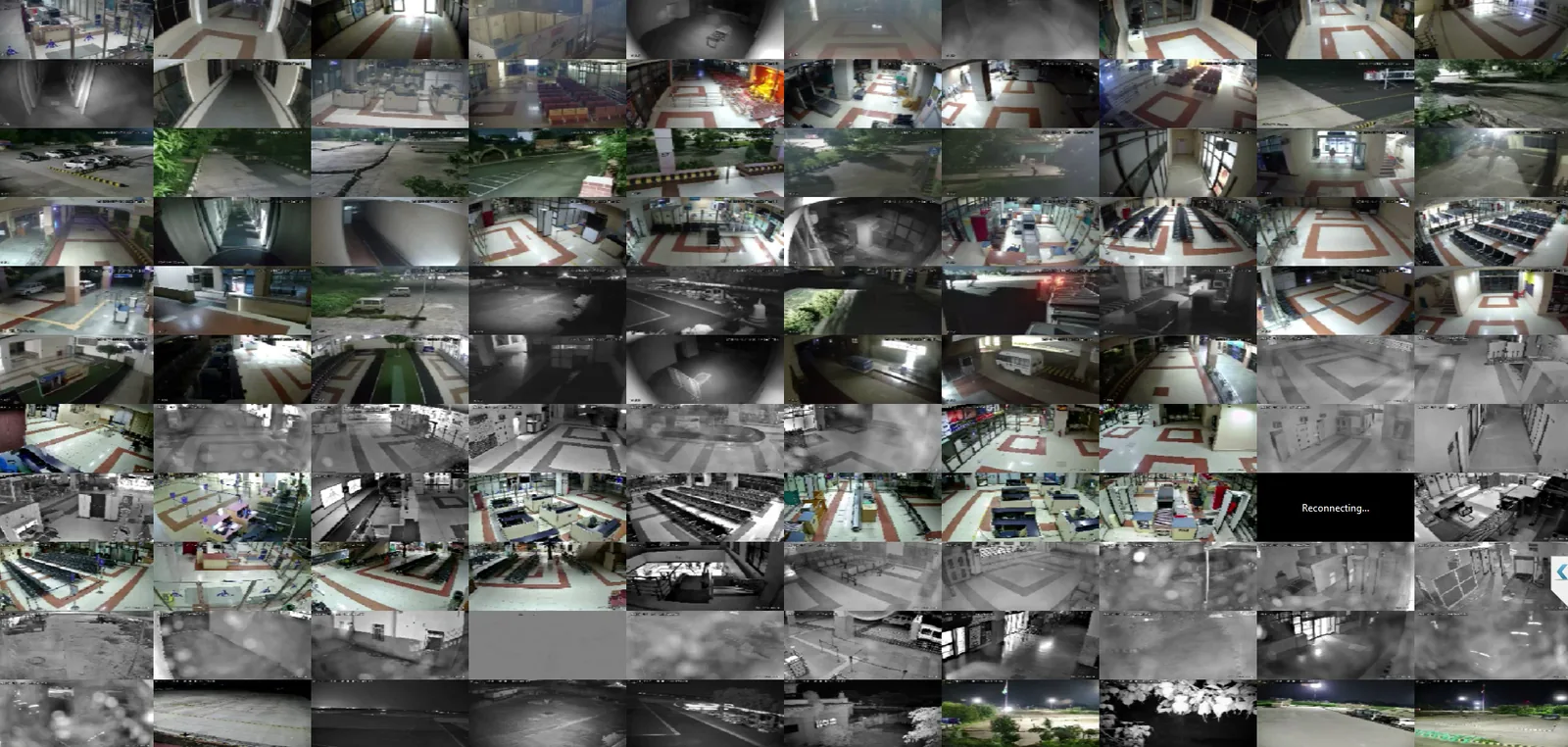
Conditions to include
Low sun, headlights, rain, fog, dust, moving vegetation and insects near the lens can all affect detection.
Run long enough to include day and night, working days and rest days, and some poor weather. Where the real event is rare, stage tests in the difficult conditions. If the pilot cannot cover a season that matters, such as the monsoon, say so in the report.
Settle permissions and data handling
A pilot uses real video of real people and vehicles. Before the first camera is connected, agree these points in writing.
- Who has approved the pilot, and whether staff or the public must be told.
- Where video and alerts are processed and stored, and whether video may leave the site.
- Who may view the footage, including the supplier's engineers.
- How long pilot data is kept and how it is removed.
- Whether clips may be used to tune or train models.
Which rules apply depends on your country, your sector and your own policies. This guide is not legal advice, so involve the people responsible for those rules early.
Name who reviews the alerts
Each alert needs a person to mark it as real or false. Decide who that is, and set aside time for regular review.
Where possible, use the operators who will run the system later. The pilot then also shows whether the number of alerts is workable.
Agree acceptance criteria first
Acceptance criteria turn the measures into a decision. Set them in writing before the pilot begins, with the people who will sign off. Criteria written after the results are known tend to fit the results.
Useful criteria are specific to the site:
- Which events must be detected in staged tests, and in which conditions.
- How many false alarms the control room can handle per camera or per shift.
- How quickly an alert must reach the operator for the response to work.
- What follows if a criterion is missed: tune and retest, change the camera, or stop.
The pass marks are yours to set. They follow from how the site is operated.
Log every change of settings
Tuning zones, schedules and thresholds during a pilot is normal. Record each change with its date, and count the results before and after it separately.
Plan the full rollout during the pilot
Use the pilot to collect what the full design needs.
- Network
- Stream bitrates, the links between cameras, servers and control room, and what happens when a link drops.
- Compute sizing
- The processing each camera and analytic used, to size servers or edge devices for the full site.
- Camera changes
- Views that need a new position, lens or lighting.
- Operating procedures
- Who receives each alert, what they do, and how it is escalated and recorded.
Common mistakes to avoid
- Treating a demonstration as a pilot. A demonstration shows what the software can do, not what it does on your cameras over time.
- Leaving out the difficult cameras.
- Starting without written event definitions.
- Counting alerts but not missed events.
- Ending without a written result and a decision.
How Videolytical approaches this
Videolytical runs a pilot as one step of its rollout on site: site survey and camera audit, network and GPU (graphics processing unit) sizing, a pilot on a small set of cameras, scale-out with calibration, then handover and training. Its position is that a pilot should prove value before scale-out. Zones, schedules and confidence thresholds can be set for each camera, and optimisation continues after handover.
Read how we deliver, or ask us about a pilot.
Plan a pilot for your site
Arrange a live demo on your own footage, send a sample clip, or ask for an architecture and sizing discussion.